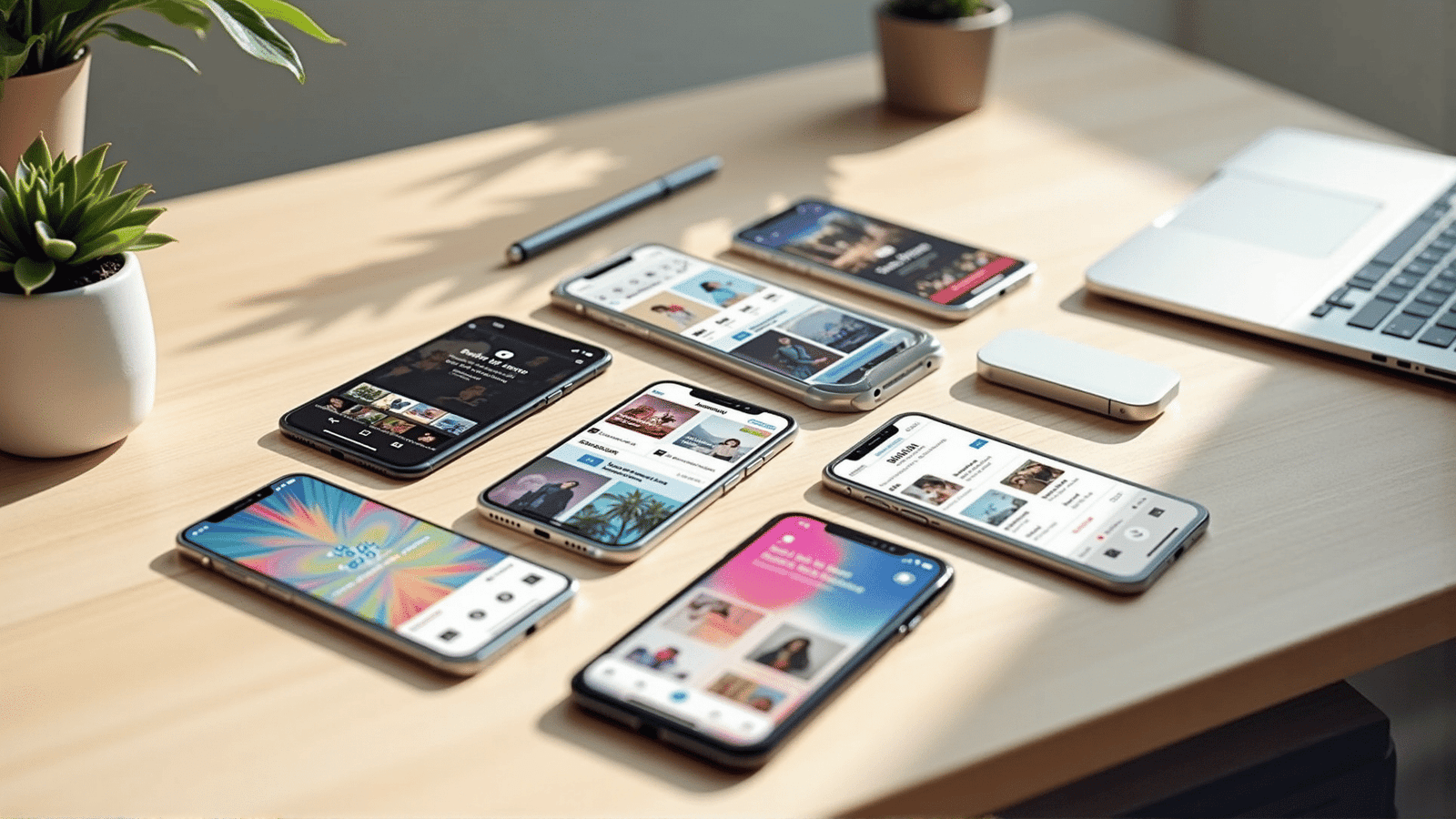
Designing a visually appealing and engaging mobile application involves understanding and implementing key aesthetic principles. A well-designed application not only attracts users but also enhances their experience by providing an intuitive interface and seamless interaction. Here are some fundamental principles to consider when crafting an aesthetically pleasing design for your mobile application:
1. Simplicity: Keeping the design simple is crucial. Overly complex interfaces can overwhelm users, making navigation difficult. A clean and concise design enhances user understanding and engagement. Emphasize clarity by using ample white space to highlight essential elements, allowing users to focus on core functionalities without distraction.
2. Consistency: Consistency in design ensures a smooth user experience. Using a uniform color palette, typography, and iconography helps in building familiarity, which is vital for intuitive navigation. Consistent elements across various screens aid users in predicting what comes next, thereby reducing the learning curve.
3. Visual Hierarchy: Establishing a clear visual hierarchy allows users to process information efficiently. Use varying sizes, colors, and positions to signal the importance of different elements. For instance, larger fonts or vibrant colors can be used to highlight key features or actions you want users to focus on.
4. Color Theory: Selecting the right colors can evoke emotions and influence user behavior. Understanding color theory helps in crafting a palette that aligns with the application's purpose. While vibrant colors can draw attention to key features, softer tones can create a more relaxing user experience.
5. Typography: Typography plays a significant role in aesthetic design. Choose fonts that are readable and appropriate for the application's tone. Consider creating a hierarchy with different text styles to differentiate between headings, subheadings, and body text, ensuring that users can easily navigate through the content.
6. Feedback: Providing feedback through design elements like animations or color changes enhances interactivity. This feedback can confirm user actions or notify them of any errors, fostering a more engaging and user-friendly experience.
7. Usability and Accessibility: An aesthetically pleasing application should also be accessible to as many users as possible. Following accessibility guidelines ensures that the application can be used by individuals with varying abilities. Features such as adjustable text sizes, voice navigation, and high-contrast modes are crucial in creating an inclusive design.
8. Balance and Alignment: A balanced layout with properly aligned elements contributes to the overall harmony of the design. Symmetrical layouts tend to be more aesthetically pleasing and easier for users to understand. Use grids and alignments to achieve a cohesive and organized look.
9. Imagery and Icons: High-quality images and carefully crafted icons can significantly enhance the visual appeal. Ensure that visuals are relevant and support the overall theme or functionality of the application. Icons should be intuitive, conveying their purpose without requiring additional explanation.
10. Microinteractions: Subtle animations or transitions can enrich the user experience by adding an element of delight. These microinteractions guide users through tasks, provide feedback, and make the application more engaging. However, it is essential to use them judiciously to avoid overwhelming users.
By integrating these principles, designers can create mobile applications that are not only visually appealing but also highly functional and user-friendly. A thoughtful approach to aesthetic design results in an application that resonates with its audience, encouraging long-term engagement and satisfaction.